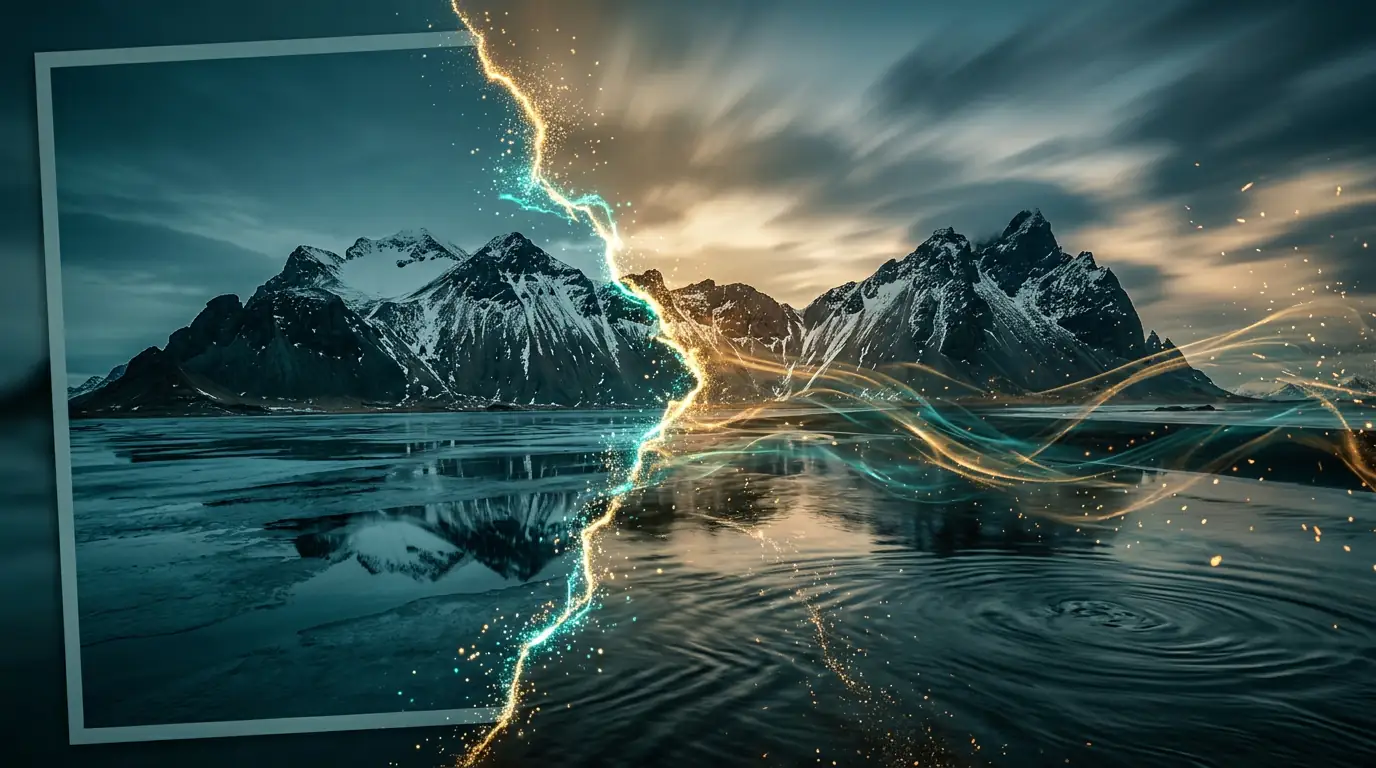
Free Motion Control AI
Transfer Any Motion to Any Character
Transfer any motion from a reference video to a still character image. Dance, gestures, martial arts, walking, and cinematic camera moves — all generated by Kling 3.0 with facial identity locked frame to frame. No rigging, no motion capture suit, no 3D model.
Transfer Any Motion to Any Character with AI
Kling 3.0 Motion Control transfers the motion from any reference video to a still character image. Upload a portrait, upload a dance or gesture clip, and the AI generates a new video where your character performs the reference motion — preserving facial identity frame to frame. No rigging, motion capture suit, or 3D model required.
Free motion control AI is an AI video generation technique, powered by Kling 3.0, that extracts motion from a 3-30 second reference video and applies it to a still character image — producing a new video where the character performs the reference dance, gesture, or action while preserving facial identity. Unlike traditional animation, no rigging or motion capture is required.
Motion Control by the Numbers
The numbers that define Kling 3.0 Motion Control on Kairval — the bounds of reference length, output quality, and generation speed. Source: Kling 3.0 Motion Control User Guide (kling.ai).
- Reference length
- 3-30s
Reference length
- Max output
- 4K
Max output
- Camera cuts
- 6
Camera cuts
- Output resolution
- 1080p
Output resolution
- Generation time
- <60s
Generation time
- Identity
- Locked
Identity
Specs sourced from the Kling 3.0 Motion Control User Guide (kling.ai) and Kairval generation logs.
Motion Types You Can Transfer
Kling 3.0 Motion Control transfers a wide range of motion types from a reference video to a still character image. Each card lists the motion type, when it shines, and a style tip for the cleanest transfer.
Dance Transfer
Social & musicTransfer a full choreographed routine — hip-hop, contemporary, ballet, or K-pop — from a reference dancer to your character. The model reproduces tempo, arm extensions, turns, and weight shifts.
Use a reference clip with a single dancer in stable lighting for the cleanest transfer.
Try this motionHand Gestures
CommunicationReproduce sign-language signs, waving, pointing, mudras, or expressive hand choreography. The model tracks finger and wrist articulation from the reference and re-applies it to the character.
Front-facing hands with visible fingers in the reference clip give the cleanest transfer.
Try this motionMartial Arts
Action contentTransfer martial-arts forms — kung fu, taekwondo, boxing combos, or weapons choreography — from a reference performer. Reproduces strikes, blocks, stances, and footwork with high fidelity.
Use a reference performer in a single stance direction; avoid rapid 360-degree spins.
Try this motionSports Motion
Sports & fitnessTransfer athletic motion — a golf swing, tennis serve, basketball dunk, or yoga flow. The model reproduces the kinetic chain from ground-up through the limbs.
Stable side-on framing of the athlete in the reference produces the best result.
Try this motionFacial Expressions
Performance & dialogueTransfer nuanced facial acting — a smile, frown, raised brow, or a lip-sync performance. Facial identity stays locked to your character while the expression follows the reference.
Use a front-facing, well-lit face in both the character image and reference.
Try this motionWalking & Running
LocomotionReproduce gaits — a casual walk, runway strut, jog, or sprint. The model captures stride length, arm swing, and weight transfer from the reference performer.
Profile framing of the walker in the reference gives the most natural gait transfer.
Try this motionHead Movement
Portrait motionTransfer head turns, nods, tilts, and subtle head acting. Pairs well with facial-expression transfer for dialogue scenes and reaction shots.
Keep head motion under 45 degrees per beat to preserve facial identity.
Try this motionFull-Body Pose
Pose & fashionReproduce a held body pose or a sequence of poses — a fashion-model stance, a hero pose, a yoga asana. The model locks the silhouette to your character's proportions.
A clean, well-lit full-body character image gives the strongest silhouette transfer.
Try this motionCamera Tracking
Follow subjectThe virtual camera follows the character as they move through frame, keeping them centered. Ideal for walk-and-talk, dance, and any motion where the performer travels.
Combine tracking with a traveling reference (walking, running) for a Steadicam feel.
Try this motionCamera Orbit
3D camera moveOrbit the subject on a virtual rail, showing them from multiple sides in one take. The signature move for product turnarounds, character showcases, and dynamic pose reveals.
Keep the subject roughly centered in frame through the reference clip.
Try this motionCamera Pan
Establish sceneA horizontal sweep across a static scene. Use pan to reveal environments, transition between subjects, or establish the scale of a location before the motion begins.
Pair pan with a still character for a cinematic establishing shot.
Try this motionCamera Zoom
Focus & revealSmooth magnification in or out of the frame. Zoom in to isolate an emotion or detail; zoom out to reveal context. A slow zoom adds intimacy; a fast push builds tension.
Match the zoom speed to the emotional beat of the motion.
Try this motionHow Motion Control Works
Three steps from a still image and a reference clip to a fully choreographed motion-control video — no rigging, motion capture, or 3D modeling required.
1. Upload Your Character Image
Upload a portrait, full-body shot, or any still with a clear subject. Even lighting, sharp focus, and a clean background give the cleanest transfer. Supported formats include JPG, PNG, and WebP up to 20MB.
2. Upload a Reference Video
Upload a 3-30 second reference video showing the motion to transfer — a dance, gesture, martial-arts sequence, or camera move. A single performer, continuous framing, and stable lighting produce the most faithful result.
3. AI Motion Transfer Generates the Video
Kling 3.0 extracts the motion from your reference and applies it to the character image, preserving facial identity frame to frame. The generated MP4 is ready to preview in-browser and download in under a minute for most short clips.
Virtual Camera Movement Guide
Beyond body motion, Kling 3.0 Motion Control orchestrates the virtual camera. Define tracking, pan, zoom, dolly, crane, and orbit moves across up to six camera cuts — the same blocking tools a cinematographer uses on set.
Tracking Shot
Follow subjectThe virtual camera follows the subject as they move through frame, keeping them centered. Ideal for walk-and-talk, dance, and any motion where the performer travels — the camera tracks them like a Steadicam operator.
Pan
Establish sceneA horizontal sweep across a static scene. Use pan to reveal environments, transitions between subjects, or establish scale. Combine with a still character for a cinematic survey of the setting.
Zoom
Focus & revealSmooth magnification in or out of the frame. Zoom in to isolate an emotion or detail; zoom out to reveal context. A slow zoom adds intimacy; a fast push builds tension.
Dolly
Depth movementThe camera physically travels toward or away from the subject along the Z-axis. Unlike zoom (which crops), dolly preserves perspective — the background parallax-shifts naturally, selling real three-dimensional movement.
Crane
Vertical dramaVertical camera travel — rising to reveal a towering character, or descending to ground level. Crane moves add grandeur to entrances, martial-arts poses, and full-body fashion reveals.
Orbit
Showcase rotationThe camera circles the subject, showing them from multiple sides in a single take. Orbit is the signature move for product turnarounds, character showcases, and dynamic dance highlights.
According to Kling's Motion Control documentation, the model "extracts motion from a reference video and applies it to a still image while preserving facial identity." In practice, this collapses the traditional rigging-and-mocap pipeline into a single upload — a rigger, a capture stage, and days of cleanup become one reference clip.
Motion Control Prompt Library
Copy-paste starting points for common motion-control scenarios. Each prompt pairs a character image with a reference-video description and an optional camera move.
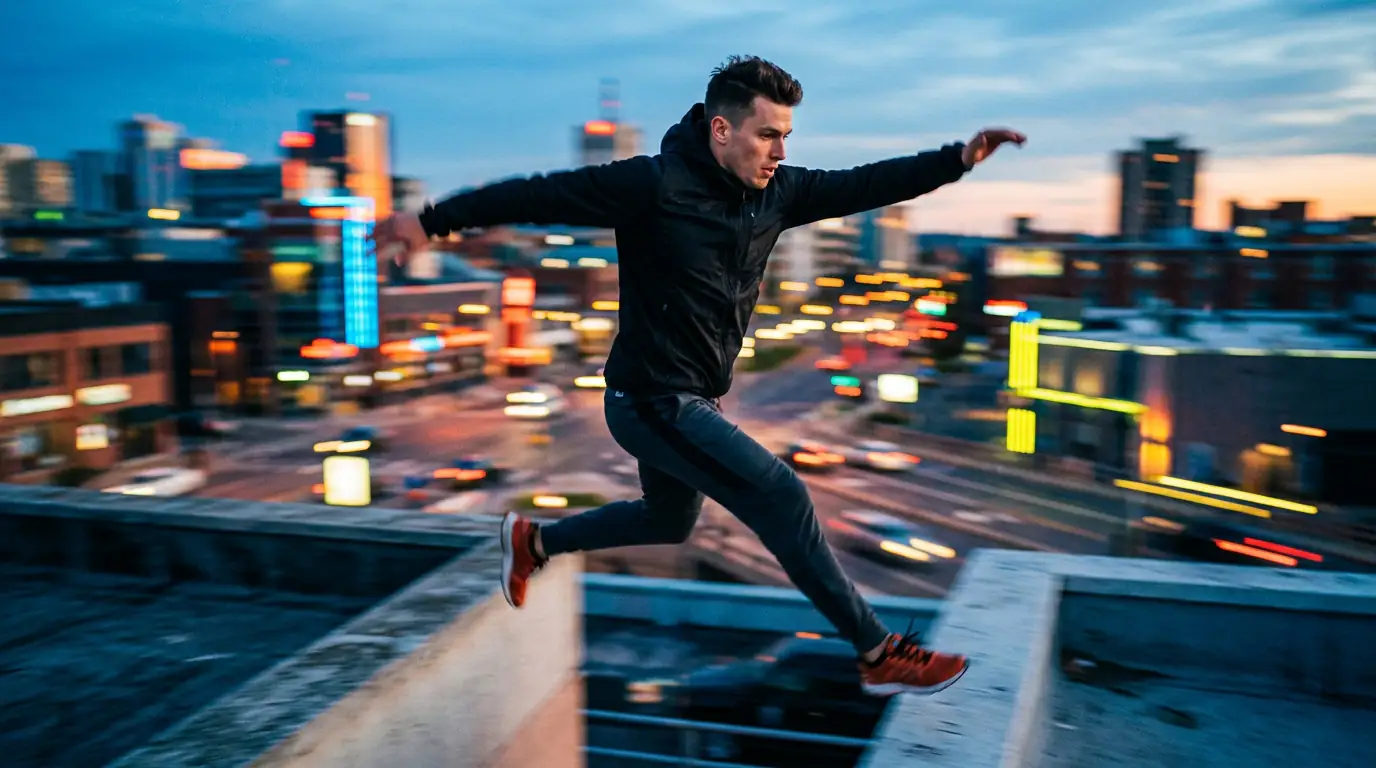
Dance Transfer
Character: young woman in a flowing red dress, full body, studio lighting. Reference motion: 6-second contemporary dance with arm extensions and a slow turn. Camera: static front. Style: cinematic, shallow depth of field, warm key light. Preserve facial identity.

Martial Arts Form
Character: man in a black gi, athletic build, neutral background. Reference motion: 8-second taekwondo form with a front kick and side stance. Camera: slow tracking shot. Style: dramatic rim light, high contrast. Preserve facial identity.
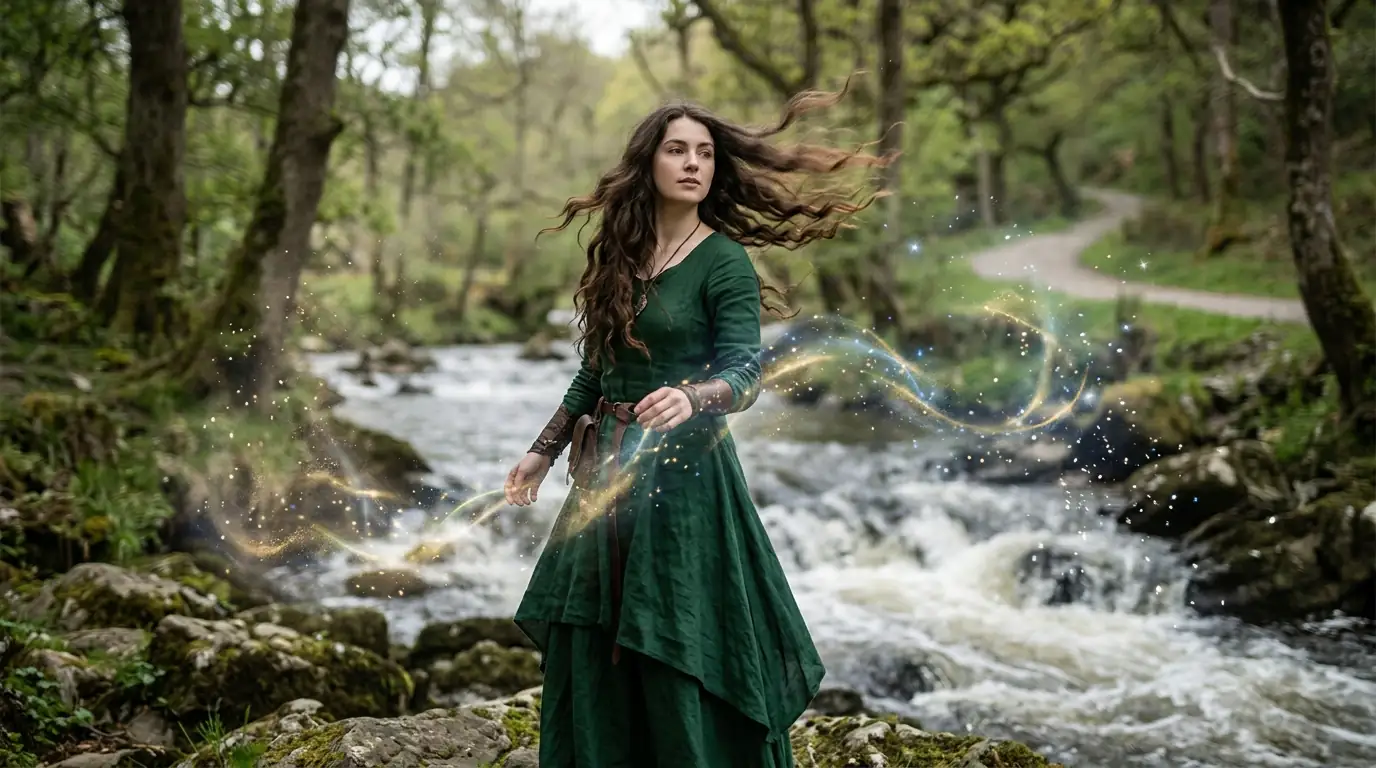
Gesture Performance
Character: woman in business attire, medium shot. Reference motion: 4-second sequence of expressive hand gestures — waving, pointing, open-palm mudras. Camera: locked-off. Style: clean corporate lighting, soft shadow. Preserve facial identity.
Runway Walk
Character: model in a tailored suit, full body, runway backdrop. Reference motion: 5-second runway strut with confident stride and shoulder turn at the end. Camera: low-angle tracking. Style: editorial fashion, cool key light. Preserve facial identity.
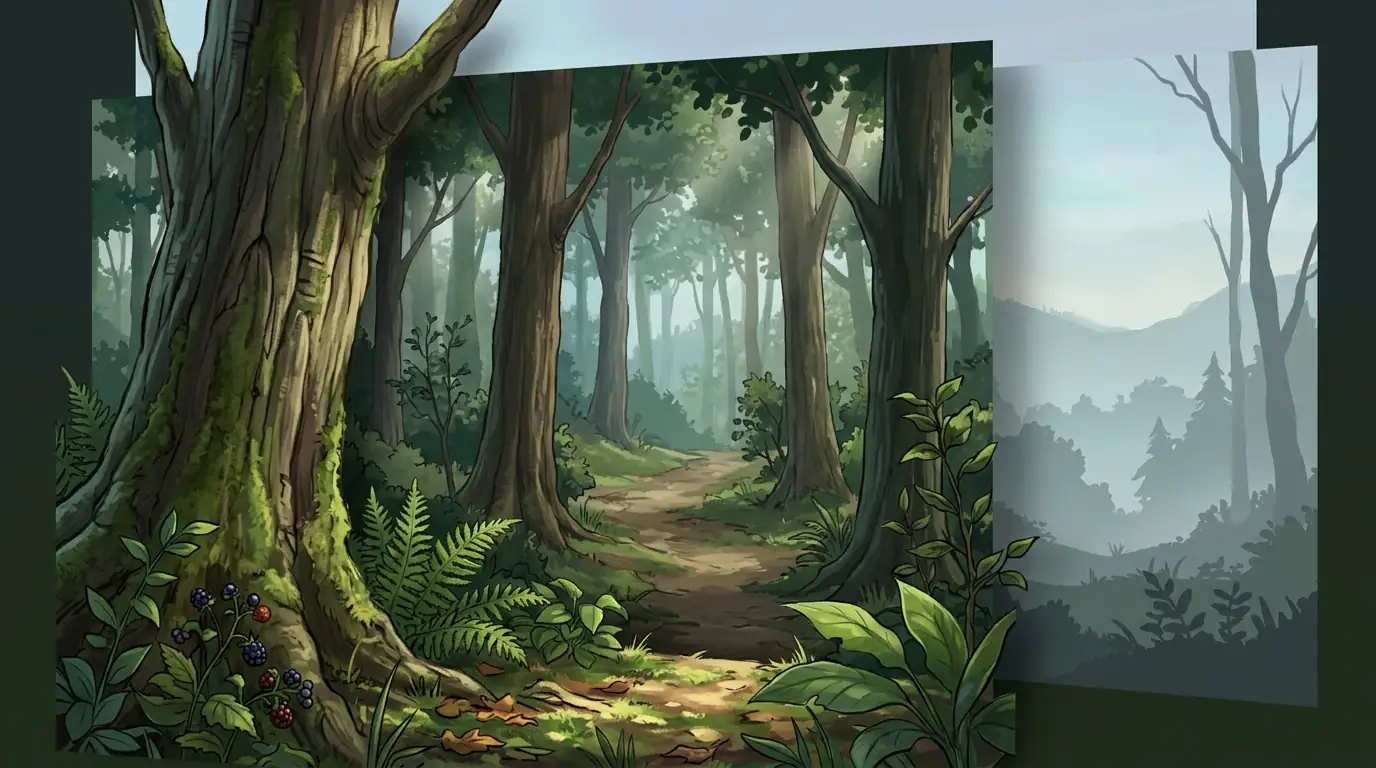
Facial Acting
Character: close-up portrait of a man, front-facing, even lighting. Reference motion: 3-second sequence — subtle smile, raised brow, slight head tilt. Camera: static. Style: intimate, soft bokeh, neutral tone. Preserve facial identity.
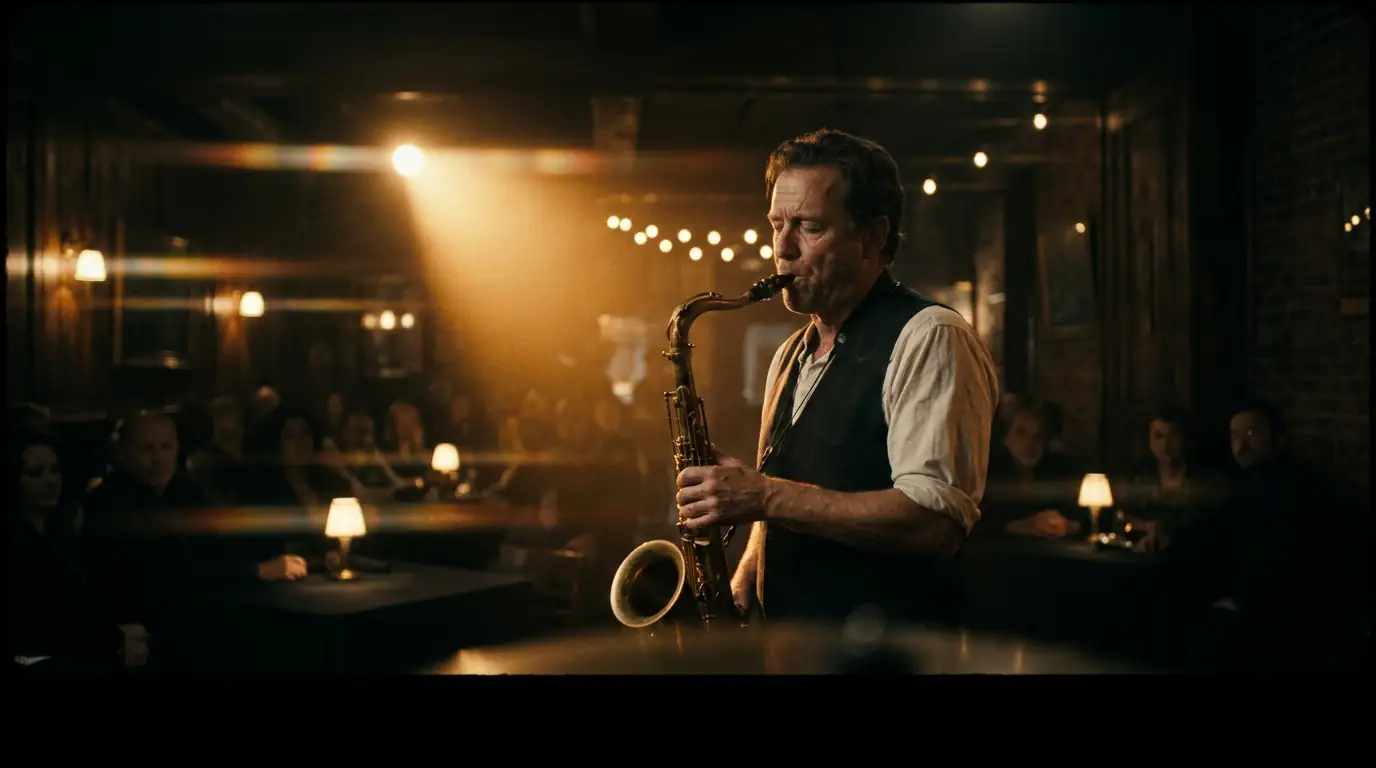
Cinematic Orbit
Character: hero in armor standing on a cliff, full body, golden-hour backlight. Reference motion: 6-second held hero pose with slow breath. Camera: 180-degree orbit around the subject. Style: epic fantasy, volumetric haze. Preserve facial identity.
Full Motion-Control Prompt Example
A complete motion-control prompt combining body motion, camera choreography, and style — copy and paste into the generator.
Character image: a young woman in a red dress standing in a softly lit studio. Reference video: 8-second contemporary dance routine with arm extensions, turns, and a final pose. Camera: slow 180-degree orbit around the subject across the second half of the clip. Style: cinematic, shallow depth of field, warm key light. Preserve facial identity throughout.
Motion Control AI vs. Traditional Video Editing
How AI motion control compares to keyframing motion by hand in conventional editing software.
| Capability | Kairval Motion Control | Traditional Video Editor |
|---|---|---|
| Setup time | Seconds — upload image + reference, AI transfers motion | Hours to days of manual keyframing and rigging |
| Source material | Any still image — no rig, no 3D model required | Requires rigged character or motion-capture pipeline |
| Motion library | Transfer any human motion from a 3-30s reference clip | Limited to pre-baked library animations |
| Camera choreography | Up to 6 scripted camera cuts with tracking, pan, zoom, orbit | Manual camera animation per cut |
| Facial consistency | Maintained frame to frame for a consistent identity | Depends on artist skill and time budget |
Motion Control Tips
Get cleaner transfers and tighter choreography with these motion-control best practices.
Validate with Short Clips First
Start with a 3-5 second reference clip to validate the motion transfer before scaling up. Short clips reproduce motion most faithfully and cost fewer credits, so you can iterate quickly on the look before committing to a longer routine.
Match the Starting Pose
Keep the character image and the reference performer in a similar starting pose. The model aligns motion relative to the initial frame, so a matching silhouette — same facing, similar stance — produces the cleanest transfer.
Layer Camera Moves Explicitly
Layer camera choreography on top of body motion by naming the camera move in your prompt ("slow tracking shot," "180-degree orbit"). Kling 3.0 supports up to six camera cuts, so you can script distinct moves for distinct beats of the performance.
Keep the Reference Clean
Use a single, clearly-framed performer in the reference video with stable lighting and minimal background motion. Multiple performers, heavy camera shake, or motion that leaves the frame all reduce transfer fidelity.
Last updated July 2026. Motion capabilities reflect Kling 3.0 Pro as deployed on Kairval.
Explore More AI Tools
Discover related AI tools and models
Kling 3.0 Pro
Professional video generation with advanced motion control.
Image to Video Generator
Animate static images into dynamic video clips with AI.
Veo 3.1
Google's 4K video generation with native audio output.
Text to Video Generator
Create cinematic videos from text prompts in seconds.
Free Motion Control AI — Frequently Asked Questions
Ready to Create?
Join millions of creators. Start generating stunning AI content today.
Get Started Free