FLUX.2 Pro
Studio-Quality Visuals, Zero Configuration
FLUX.2 Pro is a production-grade AI image generator by Black Forest Labs that creates studio-quality visuals with zero configuration. Generate photorealistic images up to 4MP with multi-reference editing and advanced prompt control at 30 credits per image.
Create stunning AI art & videos. No login needed.
Introducing FLUX.2 Pro
FLUX.2 Pro by Black Forest Labs delivers photorealistic quality, accurate text rendering, and superior prompt comprehension in a single generation. From product shots to creative artwork, every output looks professionally crafted — not AI-generated.
credits
+ i2i
max resolution
Key Features of FLUX.2 Pro
Photorealistic quality, precise text rendering, and advanced prompt comprehension — all in one model.
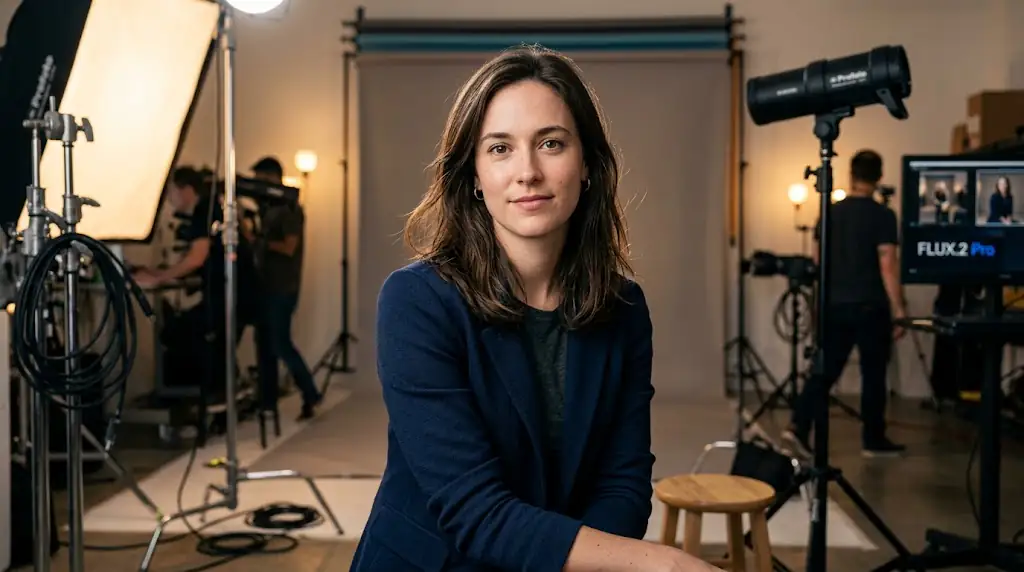
Zero-Config FLUX.2 Pro Quality
Flux 2 Pro generates images with breathtaking photorealistic quality, producing results that are virtually indistinguishable from professional photography. Skin textures, material reflections, atmospheric effects, and natural lighting are rendered with exceptional accuracy, creating images that meet the highest professional standards for commercial and editorial use.
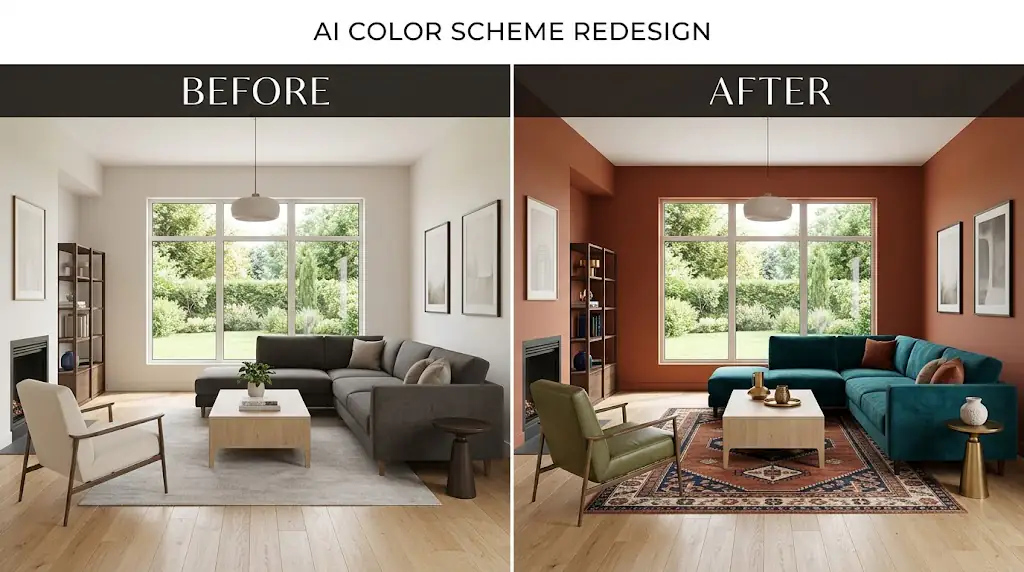
Multi-Reference Image Editing
The model's advanced text rendering engine produces crisp, correctly spelled text within images with remarkable consistency. Whether you need bold headlines on posters, elegant typography on book covers, or technical labels on diagrams, Flux 2 Pro integrates text elements seamlessly into the visual composition with professional typographic quality.
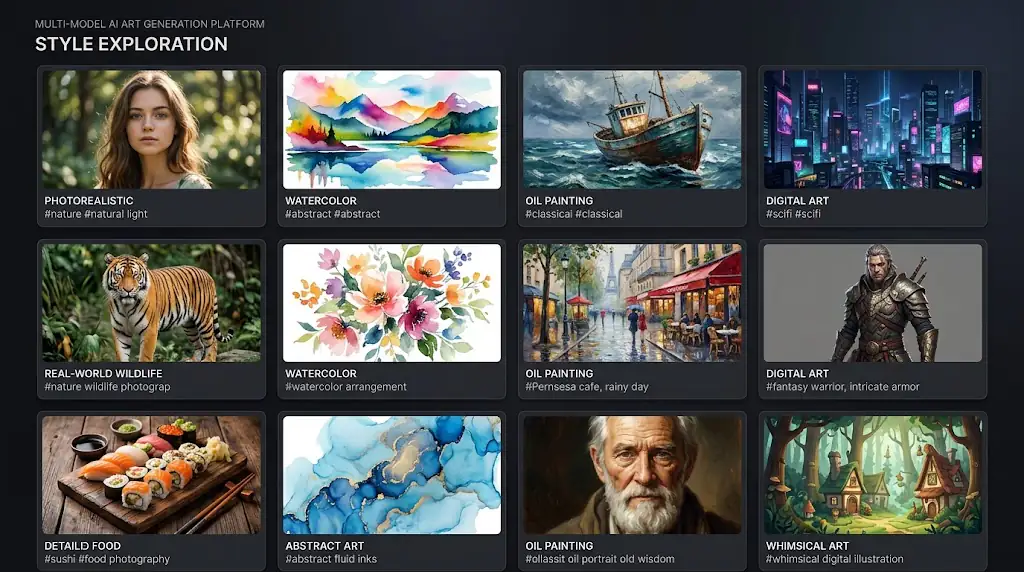
Advanced Prompting with FLUX.2 Pro
Flux 2 Pro accurately renders human anatomy, facial expressions, and body proportions with unprecedented fidelity. Hands, faces, and complex poses that challenge other models are handled with precision, making the output suitable for character design, portrait photography, fashion illustration, and any project requiring anatomically correct human figures.
Marketing & Brand Assets
Advertising agencies can produce high-quality campaign visuals that meet the exacting standards of professional advertising. Generate photorealistic product shots, lifestyle imagery, and creative concepts that rival traditional photography and illustration, enabling rapid concept testing and efficient production workflows.
Concept Art & Game Design
Game developers and film studios can create concept art, environment designs, character studies, and storyboards with cinematic quality. Flux 2 Pro's ability to render complex scenes with specific artistic styles makes it invaluable for pre-visualization and creative development in entertainment production.
Product Photography
Publishing professionals can create striking book covers, editorial illustrations, and magazine layouts with integrated text and imagery. The model's text rendering and artistic versatility make it possible to produce publication-ready cover designs that combine compelling visuals with readable, well-designed typography.
Print & Editorial Design
Architects and real estate professionals can generate photorealistic exterior and interior visualizations from textual descriptions. Create compelling property renderings, architectural concepts, and spatial designs that communicate design intent clearly to clients, investors, and planning authorities.
How to Use FLUX.2 Pro on Kairval
Harness the full power of Flux 2 Pro to create stunning, professional-grade images with this three-step generation workflow.
1. Enter Your Prompt
Write a comprehensive prompt describing your vision in detail. Flux 2 Pro's advanced understanding allows you to specify complex scenes with multiple elements. Include details about the main subject, background environment, lighting direction and quality, color scheme, artistic style, and mood. For photorealistic results, describe camera settings like focal length and aperture. For artistic styles, reference specific art movements or techniques. The model's superior prompt adherence means every detail you include will influence the final output.
2. Choose Generation Mode
Fine-tune your generation with advanced settings. Select your preferred resolution and aspect ratio — Flux 2 Pro supports high-resolution outputs suitable for both digital and print media. Adjust the guidance scale to control prompt adherence versus creative interpretation. Higher values ensure the model follows your prompt closely, while lower values allow for more artistic exploration. Set your preferred number of inference steps for the optimal balance of quality and generation time.
3. Export Your Creation
Generate your image and evaluate the results. Flux 2 Pro typically produces exceptional output on the first attempt, but you can iterate by adjusting your prompt or parameters for refined results. Download your finished images in full resolution, ready for professional use. The model's consistent quality and reliability make it ideal for commercial projects where output standards are high and revision cycles need to be minimized.
Why Professionals Choose Flux 2 Pro
Flux 2 Pro delivers the photorealistic quality, text rendering accuracy, and compositional intelligence that professional creative workflows demand. Compared to its predecessor FLUX.1 Schnell, FLUX.2 Pro offers up to 4 megapixel resolution — four times the output size — enabling large-format prints and high-resolution marketing assets without upscaling artifacts. The model's zero-config quality means every generation meets production standards without manual parameter tuning, saving creative teams hours of iteration time. FLUX.2 Pro also introduces multi-reference image editing with support for up to 10 reference images, allowing designers to combine visual elements from multiple sources into a single cohesive output. With both text-to-image and image-to-image workflows available at a consistent 30 credits per generation, FLUX.2 Pro provides the most cost-effective professional image generation available.
max output resolution
multi-mode generation
credits per generation
FLUX.2 Pro Is Best For
Explore the professional use cases where Flux 2 Pro's exceptional image quality and creative versatility deliver outstanding results.
Professional Marketing Assets
The top choice for professional photographers and visual artists who demand photorealistic quality that rivals actual photographs. Flux 2 Pro's exceptional rendering of lighting, textures, and material properties produces images that meet the exacting standards of commercial photography, editorial work, and high-end advertising campaigns.
Concept Art and Design Iteration
Ideal for creating marketing and advertising visuals with integrated text elements that look professionally typeset. Flux 2 Pro's industry-leading text rendering produces crisp, readable text within images, making it invaluable for creating posters, social media ads, book covers, and branded content where typography and imagery must work together seamlessly.
E-commerce Product Photography
Perfect for complex scene generation that requires multiple subjects, specific spatial relationships, and detailed backgrounds. Flux 2 Pro's advanced compositional intelligence handles intricate multi-element prompts with remarkable accuracy, producing cohesive scenes where every element is properly positioned and interacts naturally with its surroundings.
Pro Tips for FLUX.2 Pro
Professional techniques for getting the best results from Flux 2 Pro's advanced image generation capabilities.
#1Use Multi-Reference Images Strategically
Be specific about camera and lens effects for photorealistic results with Flux 2 Pro. Reference focal lengths ('85mm portrait lens'), aperture settings ('shallow depth of field, f/1.4'), and shot types ('medium close-up') to achieve professional photography quality. The model's understanding of photographic terminology is exceptional and directly translates into visually accurate output.
#2Specify Output Resolution Early
When generating images with text, place the exact text in quotation marks and specify font style, size, and placement. For example: 'a movie poster with the title MIDNIGHT in bold metallic gold letters at the top'. Flux 2 Pro's text rendering is most accurate when you provide clear typographic direction alongside the visual description.
#3Leverage Image-to-Image for Style Consistency
For complex multi-subject scenes, describe spatial relationships explicitly in your prompt. Use phrases like 'in the foreground', 'to the left of', 'behind', and 'in the background' to position elements precisely. Flux 2 Pro handles spatial descriptions accurately, producing well-composed scenes where every element occupies its intended position in the visual space.
#4Describe Lighting and Atmosphere
Include material and texture descriptions to enhance realism. Terms like 'brushed aluminum', 'weathered wood grain', 'soft velvet', or 'wet asphalt reflections' help Flux 2 Pro render surfaces with convincing detail. The model's understanding of material properties produces more tactile, believable images that engage viewers visually.
FLUX.2 Pro Gallery
A showcase of Flux 2 Pro's photorealistic quality and artistic range — from portraits to landscapes to creative compositions.
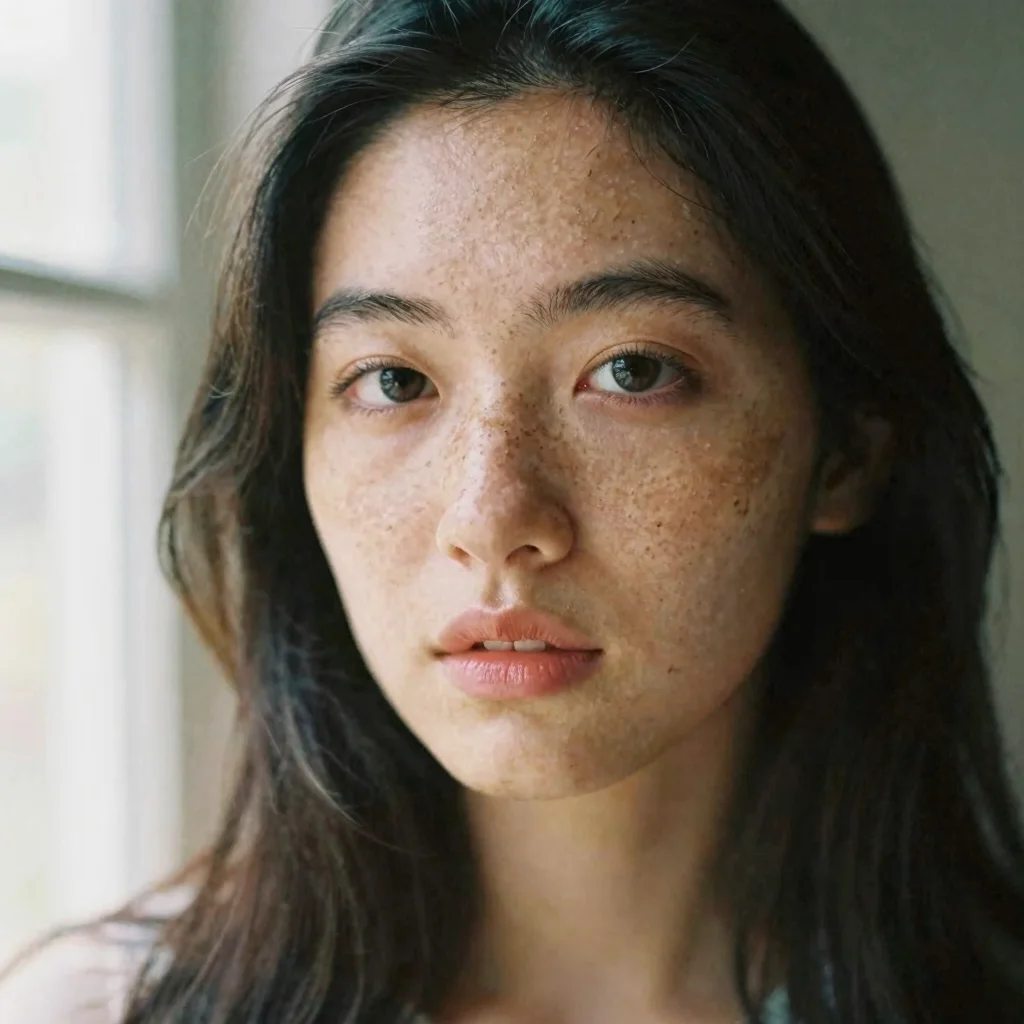
"Close-up portrait of a young woman with freckles, natural window light, shallow depth of field, shot on medium format film, warm skin tones, soft bokeh background."
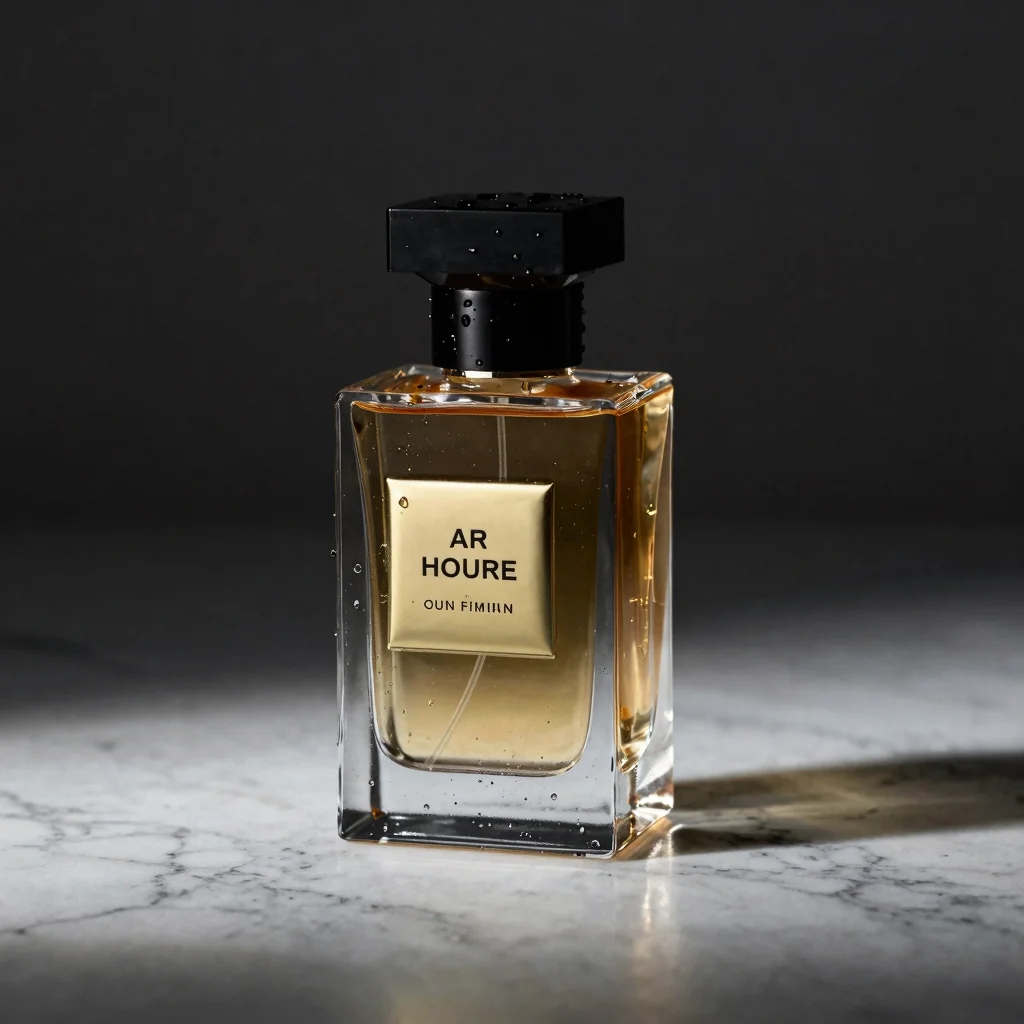
"Studio product photography of a luxury perfume bottle on a marble surface, dramatic side lighting, water droplets, dark moody background, commercial advertising quality, 4K."
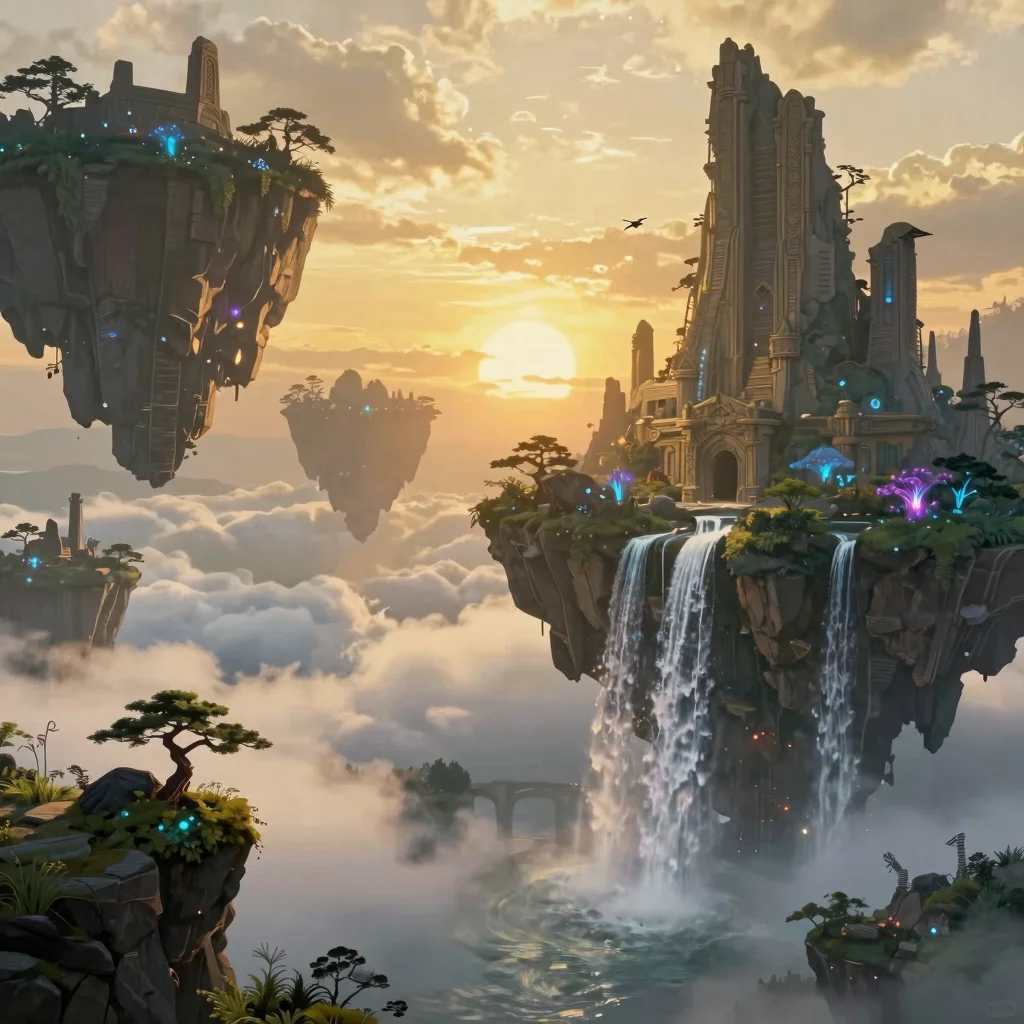
"Epic fantasy landscape with floating islands covered in ancient ruins, waterfalls cascading into clouds below, bioluminescent vegetation, golden sunset light, matte painting style."
Explore More AI Tools
Discover related AI tools and models
Text to Image Generator
Generate stunning images from text descriptions with top AI models.
FLUX.1 Schnell
The fastest open-source FLUX model — generate images in 1-4 steps.
GPT-4o Image
OpenAI's multimodal image model with photorealistic output.
Recraft V4 Pro
Production-ready images with brand color control and SVG output.
Frequently Asked Questions
Ready to Create?
Join millions of creators. Start generating stunning AI content today.
Get Started Free