Veo 3.1
True 4K Cinema with Native Audio Output
Google DeepMind's most advanced AI video model with true 4K output and native audio generation. Create cinema-quality clips with dialogue, sound effects, and music at 200 credits/second.
Create stunning AI art & videos. No login needed.
What Is Veo 3.1?
Veo 3.1 by Google DeepMind is the most advanced AI video generation model available, delivering true 4K output with native audio including dialogue with lip sync, ambient sound effects, and music. Supporting both text-to-video and image-to-video workflows, it generates 5-8 second clips at 24 FPS in 16:9 and 9:16 aspect ratios. Every output is watermarked with Google SynthID for authenticity. At 200 credits per second for standard quality and 400 credits with audio, this model is the premium choice for professional production.
Why Choose Veo 3.1?
Veo 3.1 delivers unmatched output quality for professional video production. With true 4K resolution at 24 FPS cinema-grade frame rates, synchronized native audio, and support for both text-to-video and image-to-video workflows, it is the most complete AI video generation model available. Professionals choose this model for its coherent motion handling, realistic physics simulation, and the ability to generate an entire multimedia experience from a single text prompt.
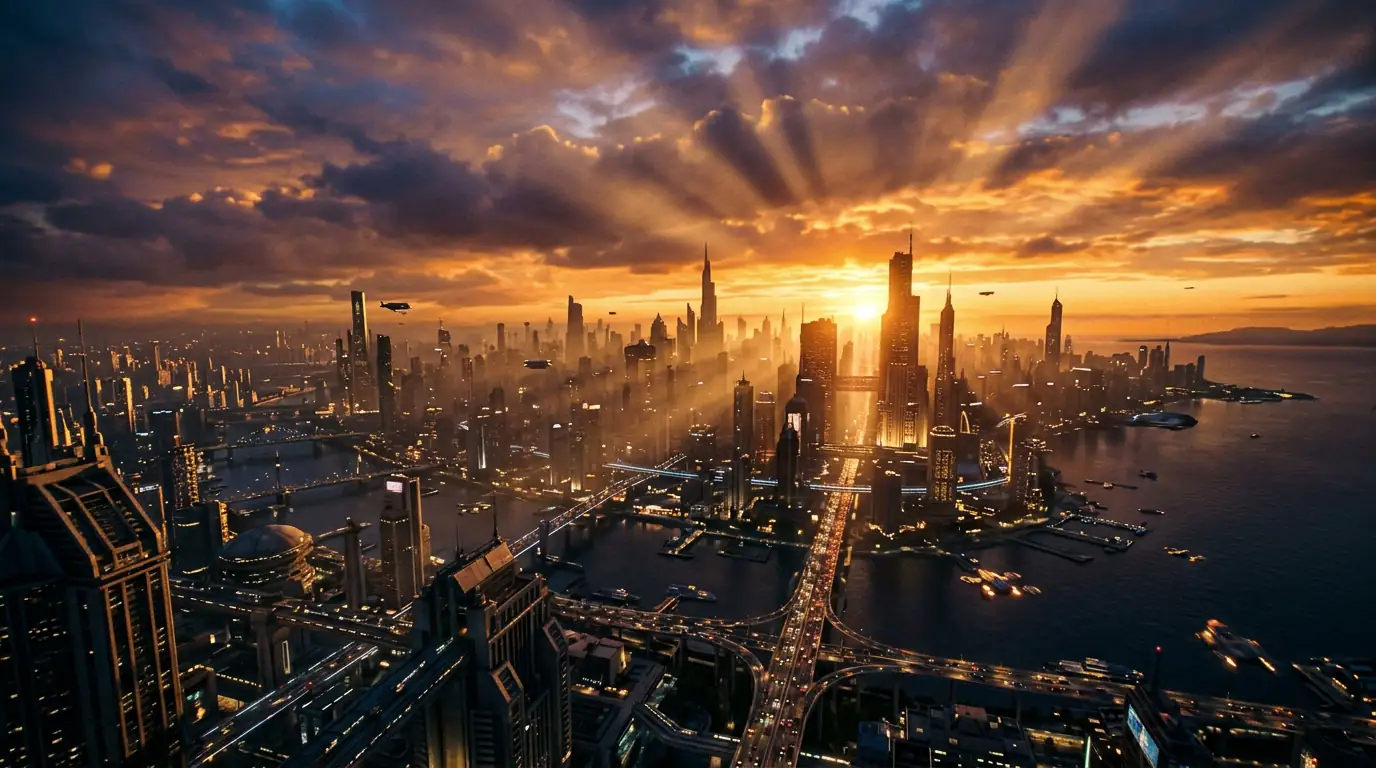
Veo 3.1 True 4K Video Output
Veo 3.1 is the first mainstream AI video model to support true 4K resolution output. Generate Veo 3.1 videos in 720p, 1080p, or 4K for cinema-quality results that look professional on any screen.
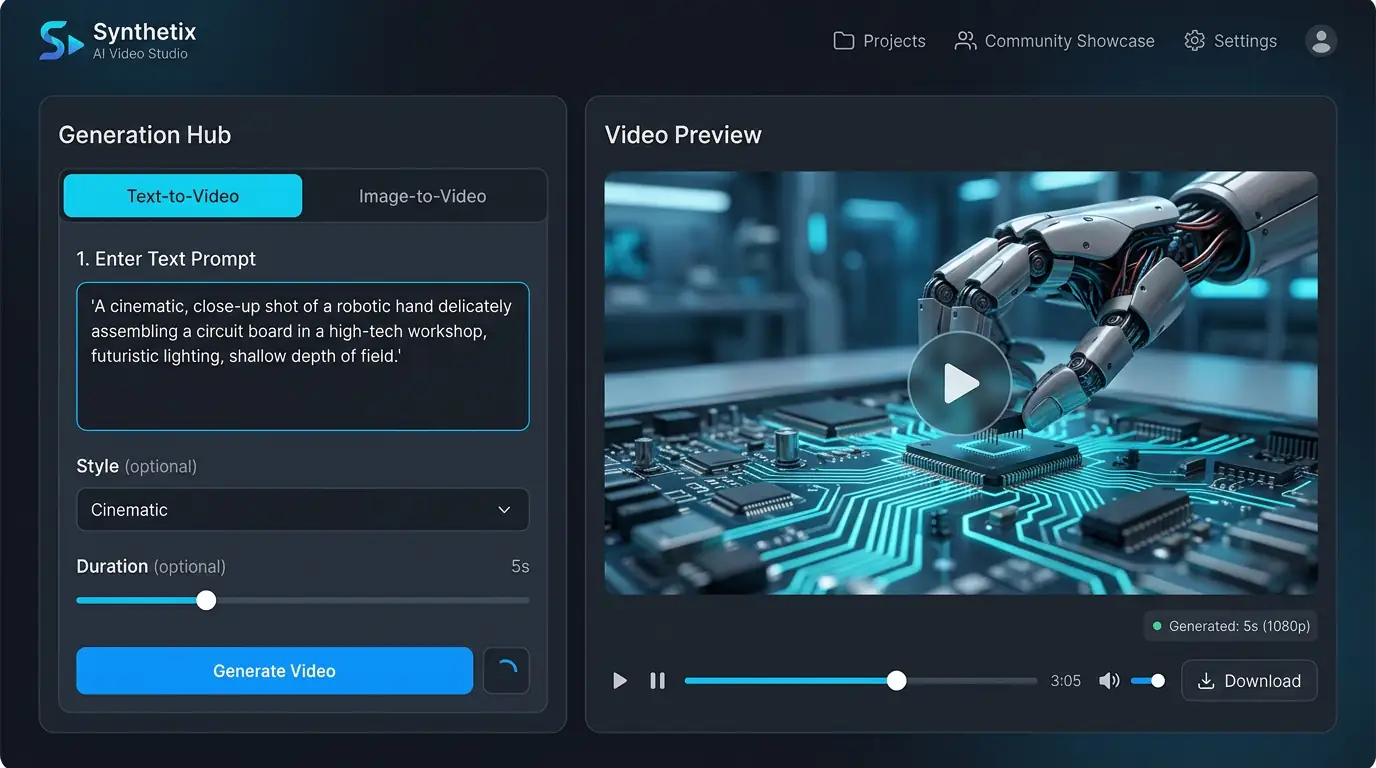
Veo 3.1 Native Audio Generation
Veo 3.1 generates synchronized audio alongside video, including dialogue with lip sync, ambient sound effects, and music in multiple languages. This Veo 3.1 native audio capability eliminates the need for separate audio production.

Veo 3.1 SynthID Watermarking
Every Veo 3.1 output is watermarked with Google SynthID, an invisible watermark that survives re-encoding and cannot be disabled. Veo 3.1 SynthID ensures authenticity and responsible AI use.
Veo 3.1 vs Other Video Models
The only AI video model with true 4K output and native audio generation. Compared to Seedance 2.0, it offers higher resolution but shorter maximum duration. Unlike Kling 3.0 Pro (i2v only), this model supports both T2V and I2V. At 200 credits/s, it sits between budget and premium pricing, delivering the best quality-to-cost ratio for professional production.
Marketing Video Production
Create professional marketing videos with Veo 3.1 at a fraction of traditional production costs. Veo 3.1 4K output with native audio delivers ready-to-publish video content for campaigns and social media.
Social Media Video Content
Generate scroll-stopping social media videos with Veo 3.1 in both 16:9 and 9:16 formats. Veo 3.1 native audio adds dialogue and music that make social content more engaging.
Storyboarding & Pre-Visualization
Use Veo 3.1 to create cinematic storyboards and pre-visualization clips. Veo 3.1 image-to-video mode animates concept art into moving sequences for film and advertising production planning.
AI-Powered Ad Creative
Produce localized advertising content with Veo 3.1 for global markets. Veo 3.1 multilingual audio generation creates voice-overs and dialogue in multiple languages for international campaigns.
How to Use Veo 3.1 on Kairval
Create cinema-grade 4K video with optional audio in three steps.
1. Write Your Scene Description
Describe the video scene in detail. Veo 3.1 handles complex multi-subject prompts with camera directions, dialogue, and environmental descriptions. The more specific your prompt, the more controlled the output will be.
2. Set Video Parameters
Choose resolution up to 4K, duration, and whether to include audio generation. Veo 3.1 can synthesize ambient sounds, music, and speech synchronized with the video. Select the settings that match your production requirements.
3. Export Production-Ready Video
Generate your video and review the 4K output with synchronized audio. Veo 3.1 produces content suitable for professional broadcasting, advertising campaigns, and cinematic presentations. Download in full quality.
True resolution
FPS cinema-grade
credits per second
Veo 3.1 Is Best For
Discover where Veo 3.1's 4K cinematic capabilities deliver the greatest impact.
Cinema-Quality Video Production
Generate true 4K resolution video at 24fps cinema-grade quality. Veo 3.1 produces footage suitable for professional film production, high-end commercials, and cinematic storytelling.
Native Audio Generation
Veo 3.1 generates synchronized audio natively alongside video — dialogue, ambient sound, and sound effects all created in a single pass. No need for separate audio tools or post-production syncing.
Dual-Mode Creative Flexibility
Switch seamlessly between text-to-video and image-to-video modes. Start from a prompt or use an existing image as the foundation — Veo 3.1 handles both with equal quality.
Pro Tips for Veo 3.1
Master Veo 3.1's cinematic generation with these expert techniques.
#1Write Cinematic Scene Descriptions
Structure prompts like screenplay scene descriptions: establish the setting, describe the action, and specify the camera movement. 'Aerial establishing shot of a coastal village, camera slowly descending toward the harbor as fishing boats return at sunset' produces dramatically better results.
#2Specify Audio Requirements in Your Prompt
Since Veo 3.1 generates audio natively, describe the soundscape you want: 'gentle waves lapping against the shore, seagulls calling in the distance, soft acoustic guitar music.' Being specific about audio yields much better synchronized sound.
#3Use Image-to-Video for Consistent Characters
Generate a character reference image first, then use image-to-video mode to animate it. This ensures character consistency across multiple video clips — essential for storytelling sequences.
#4Control Pacing with Duration Keywords
Use pacing keywords in your prompt to influence the video's rhythm: 'slow and contemplative,' 'fast-paced action sequence,' or 'gradual reveal.' Veo 3.1 adjusts its motion generation to match the described energy level.
Veo 3.1 Gallery
Cinematic 4K video with native audio — see Veo 3.1 in action.

"Cinematic aerial drone shot soaring over snow-capped mountains at sunrise. Golden light illuminating the peaks, clouds flowing through the valleys below. Camera slowly banks left to reveal a crystal-clear alpine lake. 4K, orchestral music building."

"Close-up shot of a pianist's hands playing a grand piano. Dramatic side lighting casting long shadows across the keys. Dust particles floating in the light beam. Slow camera push-in. Classical music audible, rich and emotional."
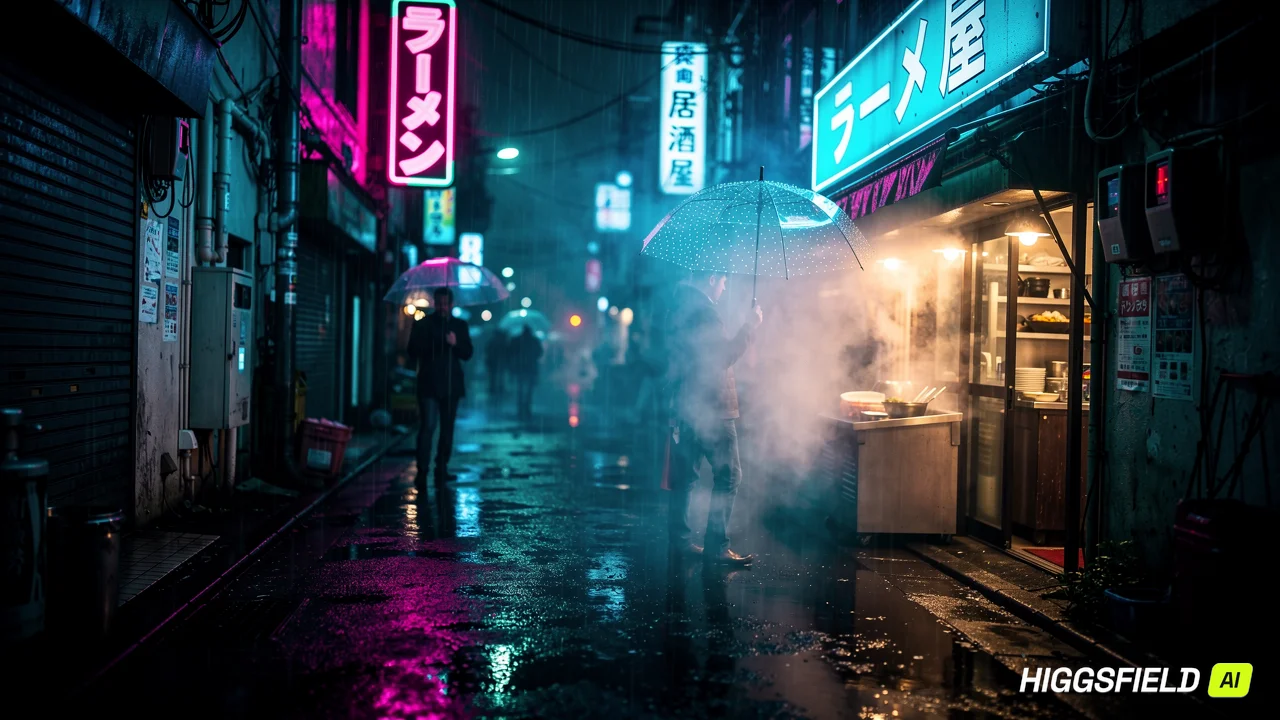
"Walking shot through a narrow Tokyo alley at night. Neon signs in Japanese reflecting on wet pavement. Steam rising from a ramen shop. Pedestrians with umbrellas passing by. Ambient city sounds, rain drops, distant train."
Explore More AI Tools
Discover related AI tools and models
Text to Video Generator
Create cinematic videos from text prompts in seconds.
Veo 3.1 Fast
Fast Veo 3.1 generation at 2x speed for rapid iteration.
Kling 3.0 Pro
Professional video generation with advanced motion control.
Seedance 2.0
High-quality video generation with cinematic composition.
Frequently Asked Questions
Ready to Create?
Join millions of creators. Start generating stunning AI content today.
Get Started Free