Kling 3.0 Pro
Cinematic Motion & Advanced Composition
Kling 3.0 Pro by Kuaishou delivers cinematic image-to-video generation with fluid motion, native audio, and advanced element composition. Create professional Kling 3.0 Pro videos at 112 credits/second.
Create stunning AI art & videos. No login needed.
Duration Range
Motion Quality
Output Resolution
What Is Kling 3.0 Pro?
Kling 3.0 Pro is Kuaishou's most advanced image-to-video model, engineered to transform static images into cinematic video with natural motion and temporal consistency. The motion synthesis engine generates realistic movements for people, animals, vehicles, and environmental elements while preventing the flickering and artifacts common in less capable systems. Kling 3.0 Pro handles camera movements with smooth pans, zooms, and tracking shots that add production value. Whether animating product photos, creating social media content, or producing creative storytelling sequences, it delivers the visual fidelity needed for professional results.
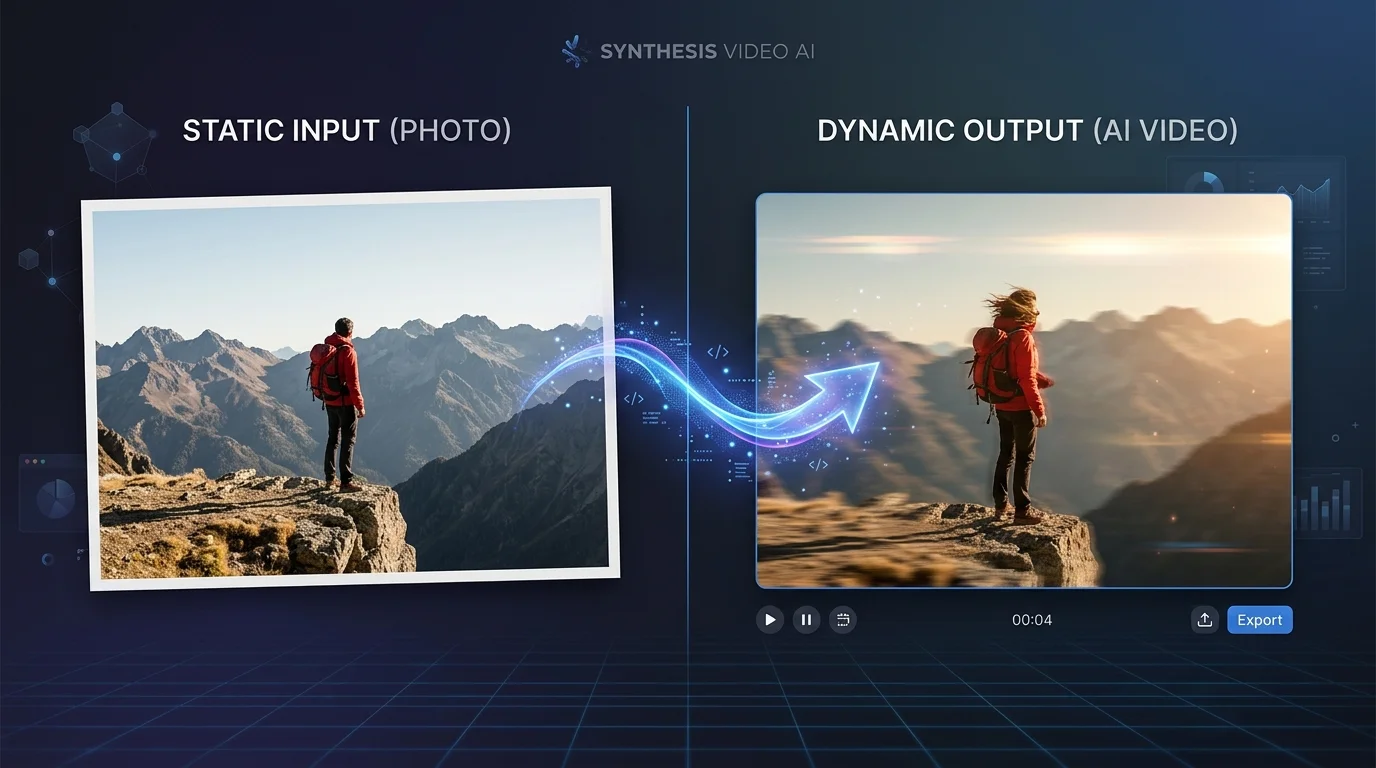
Cinematic Features, Motion-First
Static image in, cinematic video out. See the Kling 3.0 Pro difference.
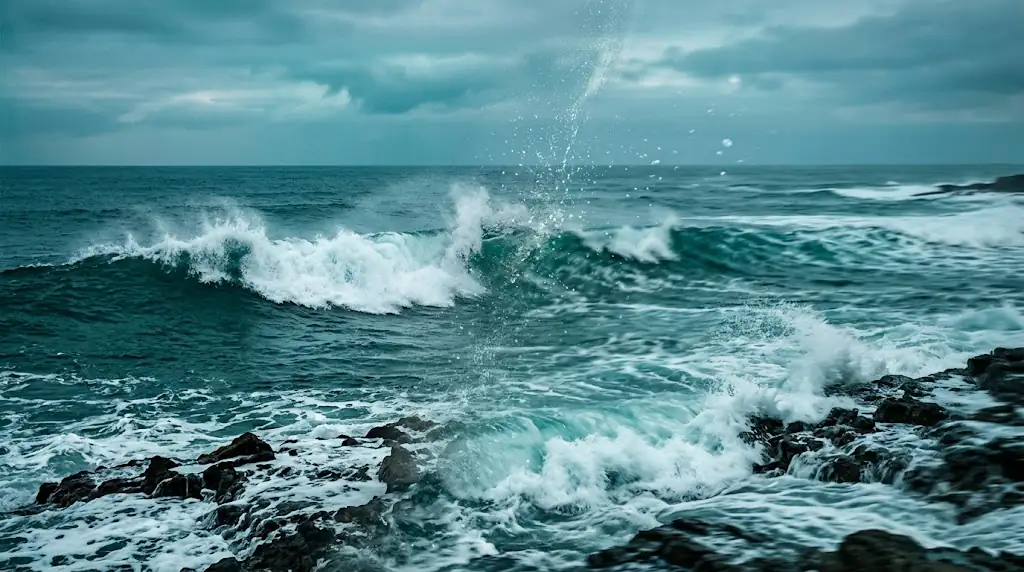
Kling 3.0 Pro Cinematic Visuals
Kling 3.0 Pro transforms static images into dynamic videos with fluid, natural motion that respects the original composition. The model's image-to-video engine analyzes the spatial relationships, subjects, and visual elements in your reference image, then generates appropriate motion that brings the scene to life while maintaining the integrity of the original visual concept.
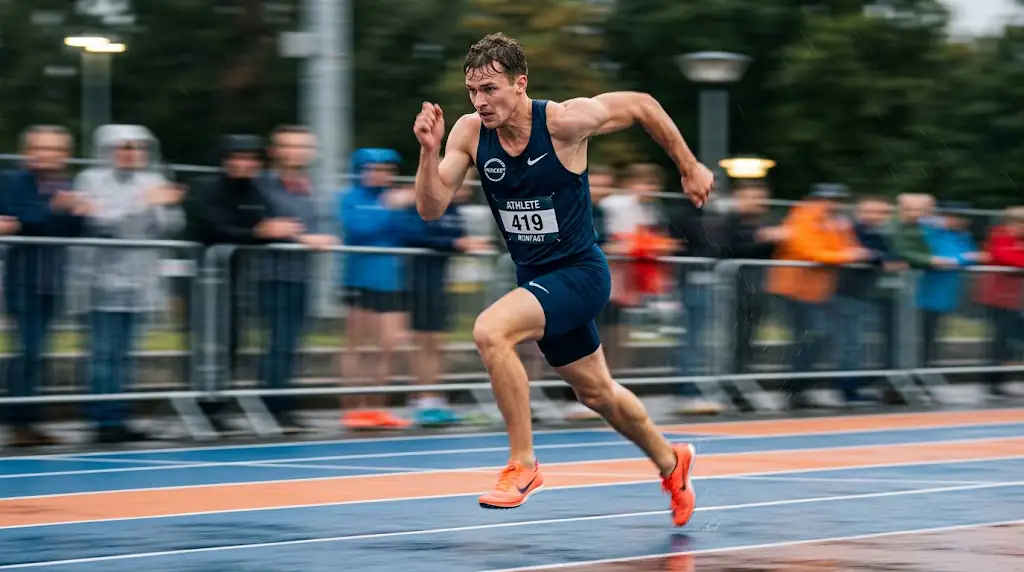
Kling 3.0 Pro Native Audio & Voice
The model generates smooth, realistic camera movements including cinematic pans, tracking shots, zoom transitions, and orbital rotations. These professional camera techniques add production value to generated videos, creating dynamic visual narratives that engage viewers and convey information with cinematic flair rather than static, unchanging perspectives.
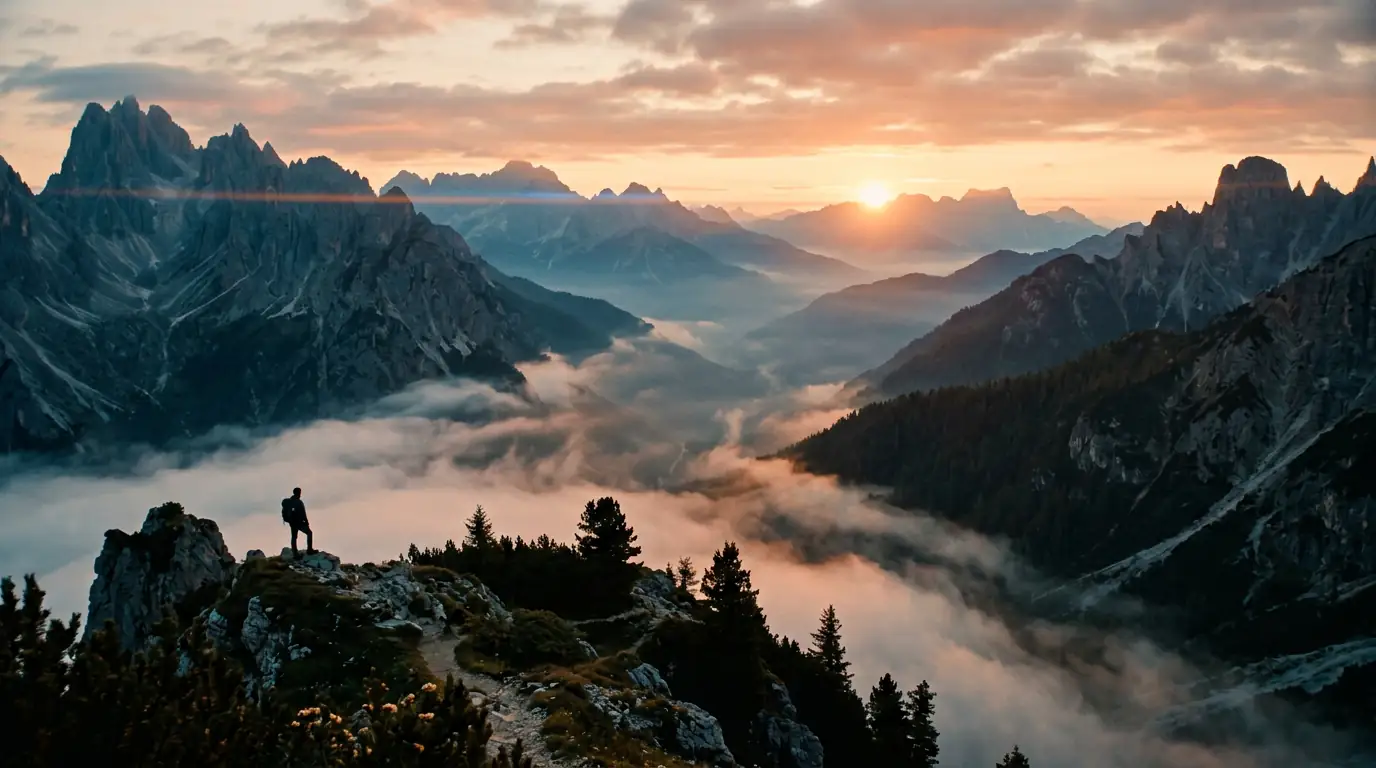
Kling 3.0 Pro Custom Elements
Kling 3.0 Pro maintains exceptional visual quality throughout generated video sequences, with consistent colors, stable textures, and flicker-free rendering. The model's temporal consistency engine ensures that subjects, backgrounds, and visual elements remain coherent across all frames, producing output that meets professional quality standards for commercial use.
Storyboard Your Vision
From concept to clip — follow the production pipeline.
Portrait Animation
E-commerce retailers can animate product images to create engaging product videos that showcase items from multiple angles and in motion. Transform static catalog photos into dynamic product demonstrations that give customers a better understanding of product features, materials, and dimensions, leading to higher conversion rates.
Product Video Creation
Social media marketers can create scroll-stopping video content from existing photo assets. Animate brand photography, lifestyle images, and product shots into eye-catching videos optimized for Instagram Reels, TikTok, Facebook Stories, and other short-form video platforms without requiring video production expertise.
Landscape & Scene Animation
Real estate professionals can create virtual property tour videos from interior and exterior photographs. Animate listing photos to create smooth walkthrough experiences that give potential buyers a dynamic sense of space, flow, and property features, enhancing online listings and generating more qualified inquiries.
Creative Content Production
Event photographers can bring key moments to life by animating their best still photographs into dynamic video clips. Create memorable highlight reels from wedding, concert, and sports photography that capture the energy and emotion of live events in ways that static images alone cannot convey.
How to Use Kling 3.0 Pro
Bring your static images to life with Kling 3.0 Pro's advanced video generation in three straightforward steps.
1. Upload Your Image
Upload a high-quality reference image that you want to animate. The best results come from images with clear subjects, good lighting, and uncluttered compositions. Product photos, portraits, landscapes, and artistic illustrations all work well with Kling 3.0 Pro. The model will use this image as the starting frame and generate motion that naturally extends from the static scene. Make sure your image has sufficient resolution for the desired output quality.
2. Describe the Motion
Describe the type of motion and animation you want to see. Specify whether subjects should move, how camera angles should change, and what environmental effects you want. For example, 'Slow zoom into the subject while leaves gently fall in the foreground' or 'Product rotates 360 degrees on a clean white background with soft shadows'. You can also set the video duration, resolution, and aspect ratio to match your target platform's requirements.
3. Export Your Video
Generate your video and preview the animated result. Kling 3.0 Pro produces smooth, natural-looking motion that brings your static image to life. Review the output for motion quality, temporal consistency, and visual fidelity. If the motion doesn't match your expectations, refine your motion description and regenerate. Download your completed video, ready for use in marketing campaigns, social media posts, product showcases, or creative projects.
Motion Quality That Speaks for Itself
Kling 3.0 Pro delivers professional-grade video output with fluid, natural motion and high-definition clarity across every generation. The model maintains strong temporal consistency, preventing the flickering and visual artifacts that affect less advanced video systems. Each generation produces smooth camera movements and realistic subject animation suitable for marketing campaigns, social media content, and creative projects.
Kling 3.0 Pro Is Best For
Discover where Kling 3.0 Pro's natural motion quality delivers the greatest creative impact.
Natural Motion Video from Images
The ideal model for transforming static product photography into dynamic, engaging video content. Kling 3.0 Pro's image-to-video capabilities create smooth, natural animations from product images, enabling e-commerce businesses to showcase items from multiple angles and in motion without traditional video production resources.
Character Animation
Perfect for social media marketers who need to create scroll-stopping video content from existing photo assets. Animate brand photography, lifestyle images, and product shots into eye-catching videos optimized for short-form video platforms, extending the value of your photo library into dynamic video content.
Product Demonstration Videos
Excellent for real estate and property marketing where dynamic visual content drives engagement. Transform static property photos into virtual tour experiences, neighborhood walkthroughs, and atmospheric property showcases that give potential buyers a dynamic sense of space and help listings stand out in competitive markets.
Pro Tips for Kling 3.0 Pro
Master Kling 3.0 Pro's image-to-video generation with these expert techniques.
#1Choose Images with Clear Subjects
Use high-resolution, well-lit source images for the best image-to-video results with Kling 3.0 Pro. Images with clear subjects, minimal clutter, and good contrast produce more natural-looking animations. Professional-quality product photography and portraits make excellent source material for generating smooth, convincing video content.
#2Describe Desired Motion Explicitly
Describe the desired motion and camera dynamics specifically in your prompt. Instead of just 'animate this image', specify 'slow zoom into the subject while the background gently blurs' or 'subject turns 45 degrees to the right while maintaining eye contact with the camera'. Precise motion descriptions produce more intentional and controlled video output.
#3Match Duration to Content Complexity
Keep animations focused on one primary motion type per generation for the best results. Combining too many motion elements (subject movement, camera movement, environmental effects) can reduce the quality of each individual motion component. Focus on the most important motion element and let Kling 3.0 Pro execute it cleanly.
#4Use High-Contrast Source Images
Choose aspect ratios that match your target platform for optimal display. Use 9:16 for TikTok and Instagram Reels, 16:9 for YouTube and presentations, and 1:1 for general social media posts. Selecting the right format ensures your generated video displays correctly and professionally on the intended platform without awkward cropping or letterboxing.
Explore More AI Tools
Discover related AI tools and models
Text to Video Generator
Create cinematic videos from text prompts in seconds.
Veo 3.1
Google's 4K video generation with native audio output.
Seedance 2.0
High-quality video generation with cinematic composition.
Wan 2.5 Preview
Alibaba's video model with bilingual prompts and negative prompt support.
Frequently Asked Questions
Ready to Create?
Join millions of creators. Start generating stunning AI content today.
Get Started Free