Flux 3 AI Image Generator
The Next-Gen Model, Free Online
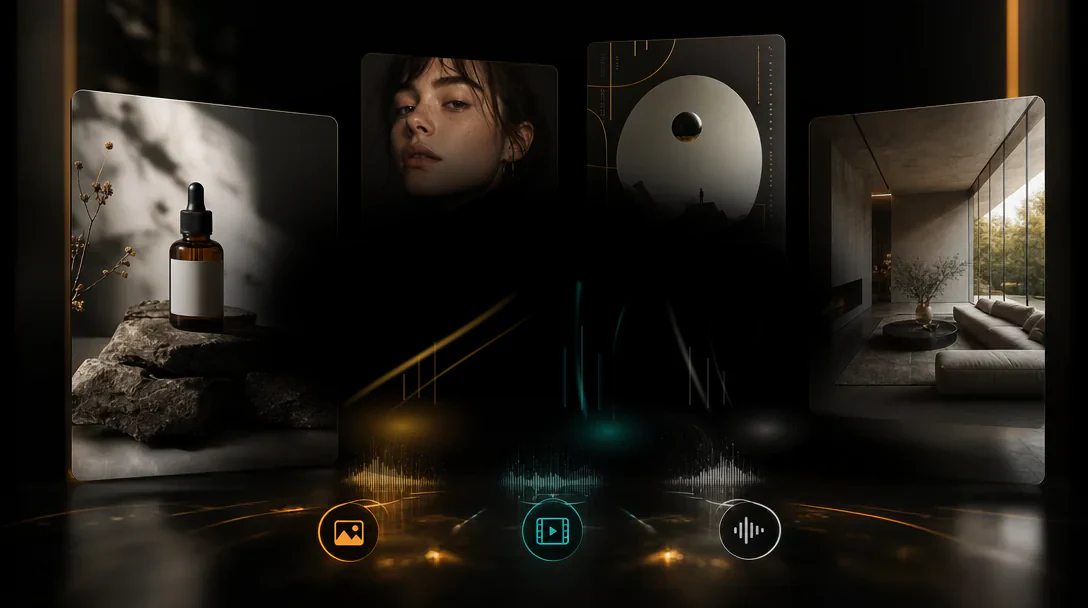
Flux 3 is Black Forest Labs' multimodal foundation model that learns image, video, and audio as one world. Generate 4K images, render crisp multilingual text, and edit in context — all from a single prompt, free in your browser.
Create stunning AI art & videos. No login needed.
What Makes Flux 3 a Different Kind of Image Model
Flux 3 is not just another diffusion model — it is a multimodal foundation model trained jointly on images, video, and audio. Because it learns how objects hold together, how things move, and how scenes compose, it carries a coherent world understanding into every image it renders. The result: stronger prompt adherence, dramatically better text rendering, and edits that respect the whole frame instead of corrupting it.
max resolution
reference images
per generation
Flux 3 Capabilities
Crisp Multilingual Text in Images
Text generation is a significant step up over earlier Flux versions. Flux 3 renders high-accuracy text in multiple languages — perfect for posters, packaging, title cards, and any image where the words have to be right.
Results in Under 30 Seconds
Most generations finish in seconds. Iterate quickly on styles and compositions, then scale to production when the direction is locked.
In-Context Editing
Change one region or element and leave the rest of the frame intact. Flux 3 supports true in-context editing, so you refine instead of regenerating from scratch.
4K-Ready, Any Aspect Ratio
Synthesize in a wide variety of styles, aspect ratios, and resolutions. Sharp, detailed output suitable for web, print, and large-format campaigns.
Core Capabilities Powered by Flux 3
Because Flux 3 learns from images, video, and audio together, each capability is backed by a deeper understanding of how the real world looks and holds together.
Scene-Smart Understanding
Flux 3 reads your prompts and reference images so it knows what you want. Subject, layout, and style stay in sync — no drift between intent and output.
Balanced Lighting and Tone
Automatic adjustments for exposure, color, and composition. Every image looks polished and natural, not over-processed — lighting obeys the scene, not the algorithm.
One-Click Style Swaps
Jump between photorealistic, anime, painterly, and more without losing your concept. The main idea stays consistent across radically different visual treatments.
Multi-Image Blend
Feed Flux 3 multiple images — subject, setting, and style — and it blends them into one coherent picture. Characters and composition stay consistent across variations.
Where Flux 3 Earns Its Place
Flux 3's blend of text accuracy, editing control, and multi-reference consistency makes it the right model for jobs where older generators fall short.
Posters and Packaging Design
When the image must include legible text — event posters, product labels, album covers — Flux 3's multilingual text rendering finally makes AI usable for print-ready design.
Brand and Campaign Visuals
Keep a character or product consistent across a whole campaign using multi-reference inputs. Flux 3 holds identity where single-shot models produce drift.
E-Commerce Catalogs
Generate clean product shots on demand, swap backgrounds for seasonal collections, and iterate on lighting — all without a studio booking.
Editorial and Publishing
Illustrate articles and covers with images that render embedded text correctly. No more Photoshop fixes for misspelled AI typography.
Social Media Content
Produce platform-perfect visuals with captions baked in. Flux 3 handles ratios, text, and style in a single generation.
Concept Art and Storyboards
Explore visual directions for film, games, and books. Style consistency across frames keeps a narrative coherent from concept to final.
How to Use the Flux 3 AI Image Generator
Three steps from prompt to polished 4K image. No install, no GPU required — everything runs in your browser.
Describe Your Image
Type what you want in plain language — subject, style, lighting, mood. Flux 3's improved prompt understanding means long, detailed descriptions produce sharper, more faithful results than ever.
Add References (Optional)
Upload up to ten reference images — a subject, a setting, a style — and Flux 3 blends them into one coherent picture while keeping characters and composition consistent.
Generate and Download
Hit generate, get a high-resolution image in seconds. Refine with in-context editing, then download in 4K-ready quality for web, print, or campaigns.
Why Try Flux 3 on Kairval
Kairval brings Flux 3's frontier capabilities into a free, browser-based studio with no install and no GPU requirement.
modalities learned jointly
max reference images per generation
languages supported for in-image text
Flux 3 vs Flux 2, Midjourney, and DALL-E
Flux 3 is built on a different foundation than single-modality generators. Here is how it compares on the capabilities that matter for real work.
| Capability | Flux 3 | Flux 2 Pro | Midjourney | DALL-E 3 |
|---|---|---|---|---|
| Multimodal world model (image + video + audio) | ✓ | ✗ | ✗ | ✗ |
| High-accuracy multilingual text in images | ✓ | ✗ | ✗ | ✓ |
| In-context editing (change a region, keep the rest) | ✓ | ✓ | ✗ | ✗ |
| Multi-reference blend (up to 10 images) | ✓ | ✓ | ✗ | ✗ |
| 4K-ready, multiple aspect ratios | ✓ | ✓ | ✓ | ✓ |
| Free online, no install | ✓ | ✗ | ✗ | ✗ |
| Strong prompt adherence on complex prompts | ✓ | ✓ | ✓ | ✓ |
Tips for Getting the Best Results from Flux 3
Flux 3 rewards detailed, structured prompts. Use these techniques to unlock its full capability.
Front-Load the Subject and Style
Put the main subject and the desired style in the first few words. Flux 3 weighs the opening of a prompt most heavily, so leading with 'a cinematic portrait, photorealistic' sets the entire rendering direction.
Use References for Consistency
When a character or product must stay consistent, upload reference images instead of relying on text alone. Flux 3's multi-image blend keeps identity stable across variations.
Spell Out Text Explicitly
If the image needs words, put them in quotes within the prompt: a poster reading 'SUMMER SALE'. Explicit, quoted text renders far more accurately than implied text.
Specify Lighting and Atmosphere
Flux 3 understands scene physics, so lighting instructions pay off. Describe 'golden hour', 'soft diffused studio light', or 'neon-lit night' to steer the mood precisely.
Edit in Context, Don't Regenerate
When only a small part of an image is wrong, use in-context editing to change that region. Regenerating from scratch loses the parts that already worked.
Iterate on Aspect Ratio
Different platforms need different ratios. Run the same prompt at square, vertical, and widescreen to see how Flux 3 recomposes — then pick the strongest framing.
Made with Flux 3
A sample of images generated with Flux 3 — from product heroes to editorial portraits, each with crisp text and consistent composition.
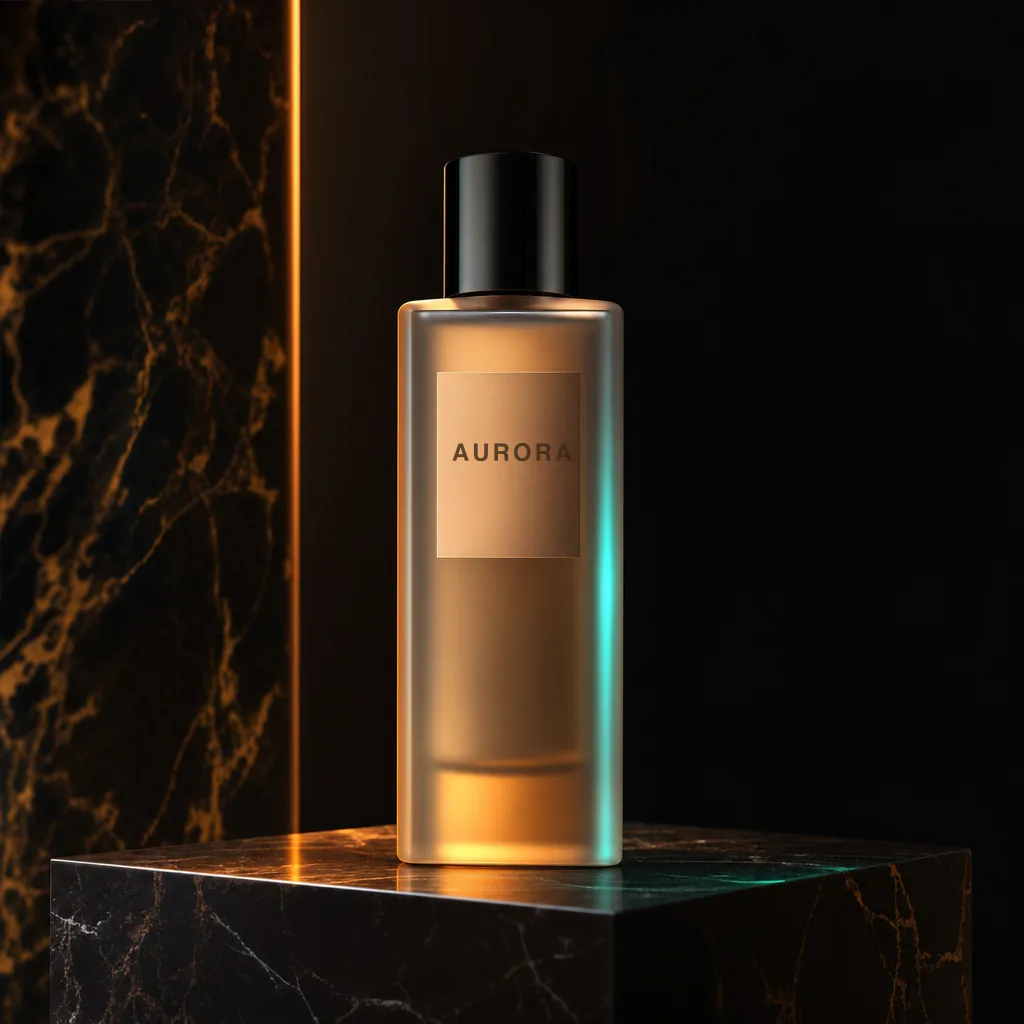
"A premium perfume bottle on a marble pedestal, soft studio light, label reading 'AURORA', photorealistic, 4K"
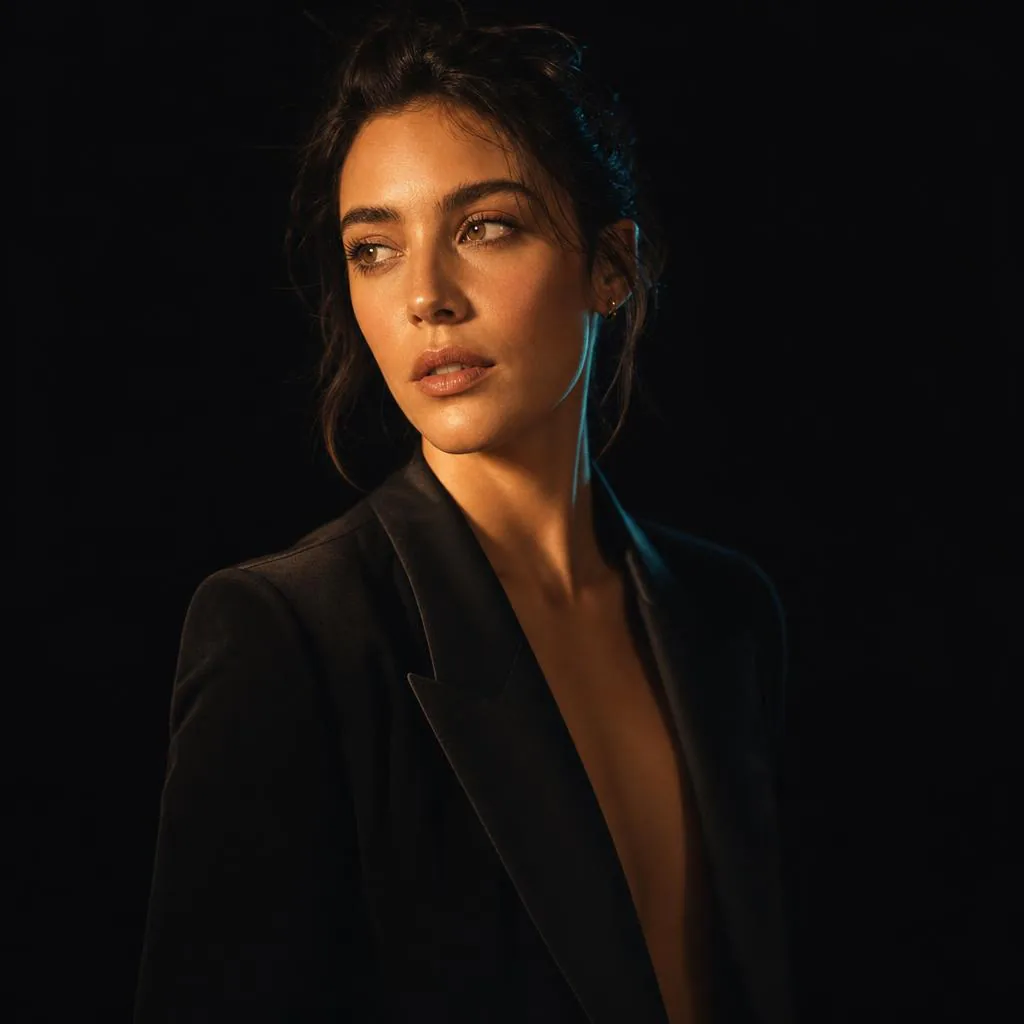
"Editorial portrait of a woman in golden hour light, cinematic, shallow depth of field, fashion magazine style"
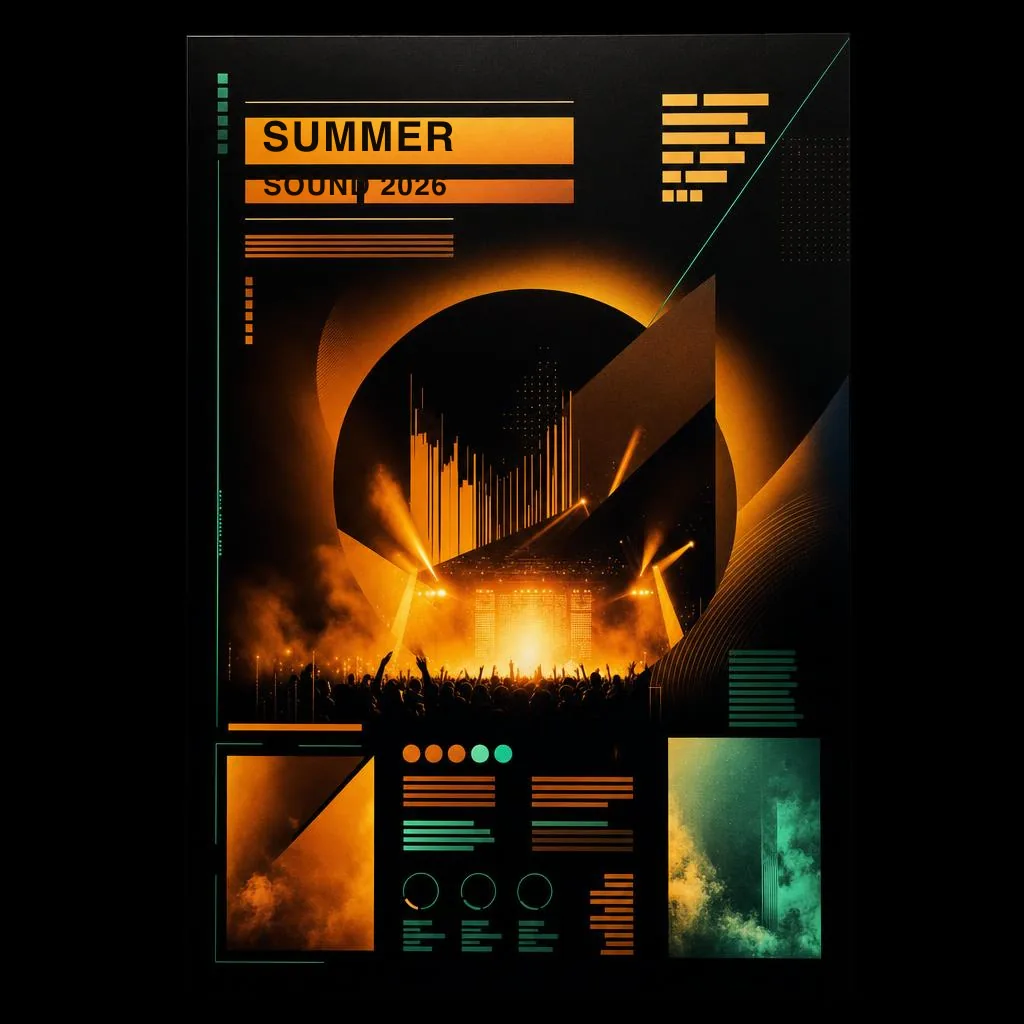
"A bold music festival poster, vibrant gradient background, title reading 'SUMMER SOUND 2026', modern typography"
Explore More AI Tools
Discover related AI tools and models
FLUX.2 Pro
Professional-grade image generation with multi-reference editing and 4MP output.
GPT Image 2
OpenAI's latest image model with fine typography and detailed output.
Ideogram V3
Industry-leading text rendering and typography in generated images.
Text to Image Generator
Generate stunning images from text descriptions with top AI models.
Frequently Asked Questions
Ready to Create?
Join millions of creators. Start generating stunning AI content today.
Get Started Free